
Countertop vs Portable Card Machine: Choosing the Best Payment Terminal for Your UK Business in 2026
25 September 2026 · 16 min read

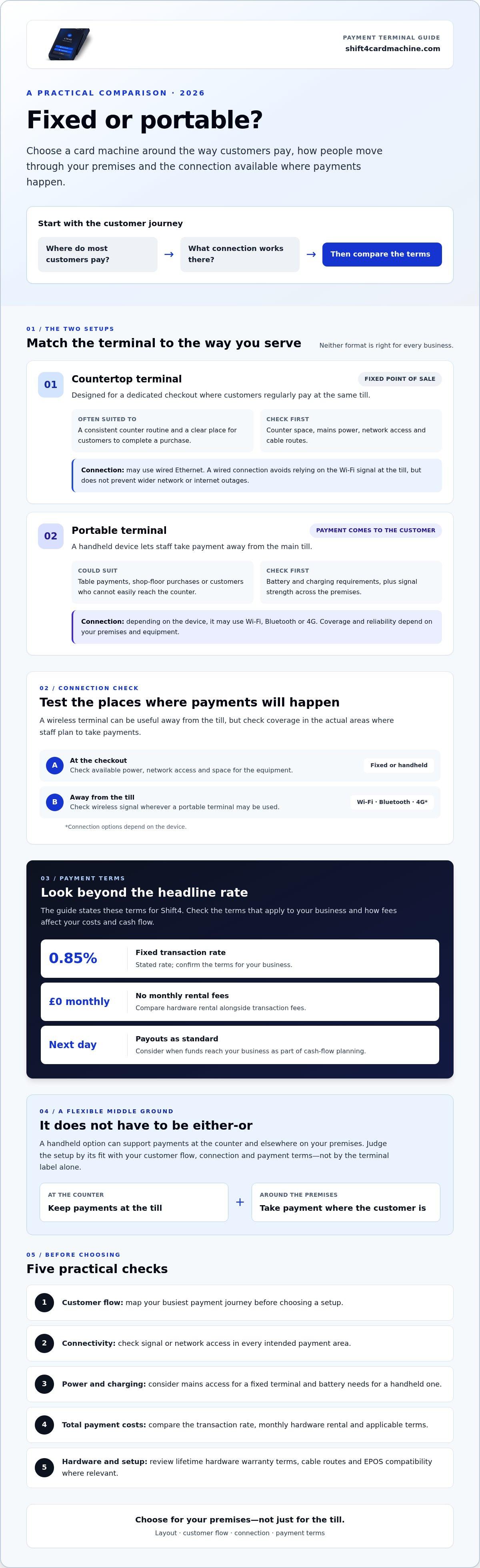
The best payment terminal for your business may not be a fixed countertop machine. The countertop vs portable card machine decision used to come down to one question: do customers pay at the till or around your premises? In 2026, there’s more to consider.
A dependable connection, convenient payments and timely access to funds can all matter during a busy shift. So can the cost of the hardware. This guide compares fixed and portable terminals, with practical checks to help you weigh reliability, mobility and payment terms against the way your business operates.
A hybrid approach can make the choice less of an either-or decision. The Shift4 OneCard Machine is a handheld option with no monthly rental fees and next-day payouts as standard. Before choosing a setup, consider your customer flow, connectivity across your premises and the payment terms that affect your costs and cash flow.
Key Takeaways
- Choose between a fixed till point and a terminal you can move around by considering your layout, customer flow and connection needs.
- The countertop vs portable card machine choice isn’t always either-or. Consider whether the handheld Shift4 OneCard Machine could suit both counter payments and payments elsewhere on your premises.
- Compare more than the headline transaction rate. Check for monthly hardware rental and understand how fees affect your costs.
- Shift4 states a fixed 0.85% transaction rate, no monthly rental fees and next-day payouts as standard. Check the terms that apply to your business.
- Review the lifetime hardware warranty and its terms, as well as connectivity and charging requirements, before choosing a terminal.
Choosing Between Countertop and Portable Card Machines in 2026
A till-side terminal suits a business where most purchases happen at one checkout. A handheld machine lets staff take payment where the customer is, whether that’s at a table or on the shop floor. The choice can affect more than the hardware: it can shape queues, staff movement and how customers move through your premises.
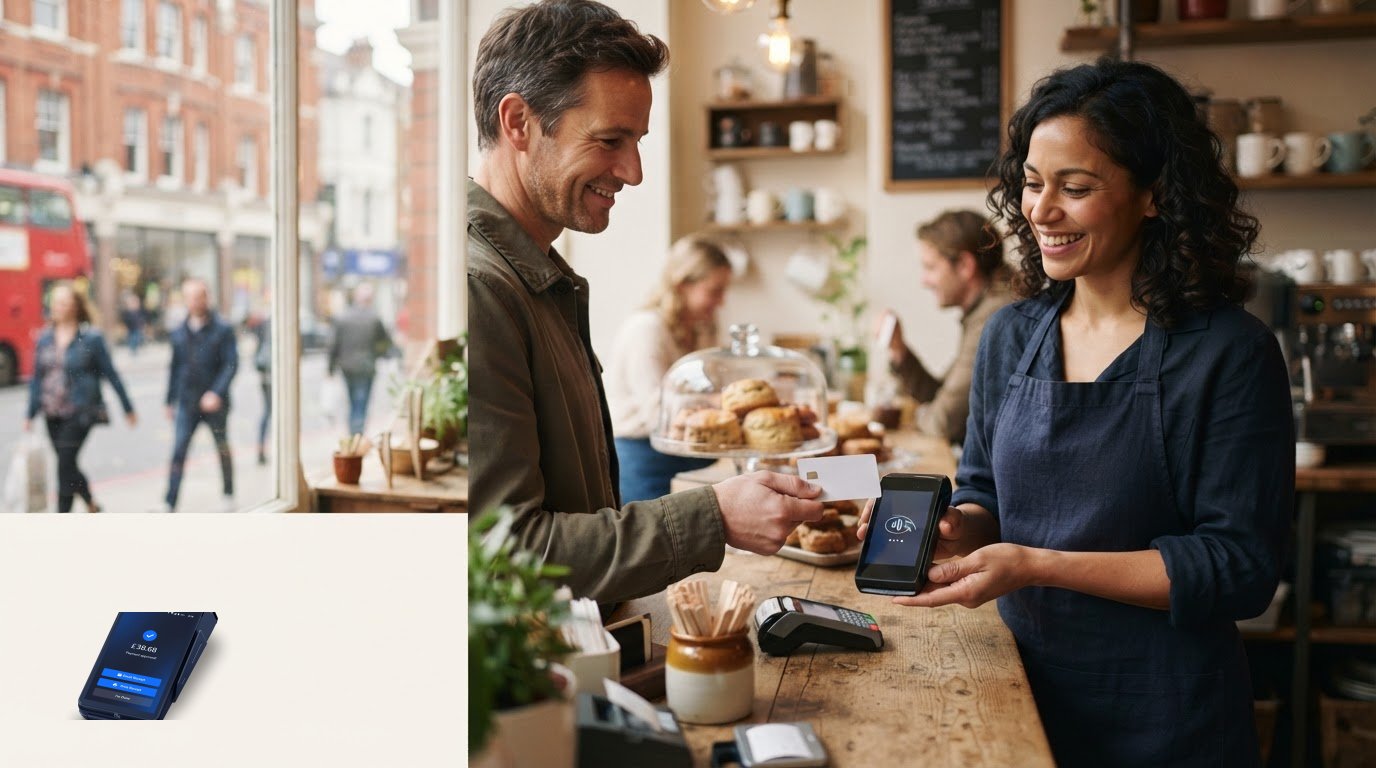
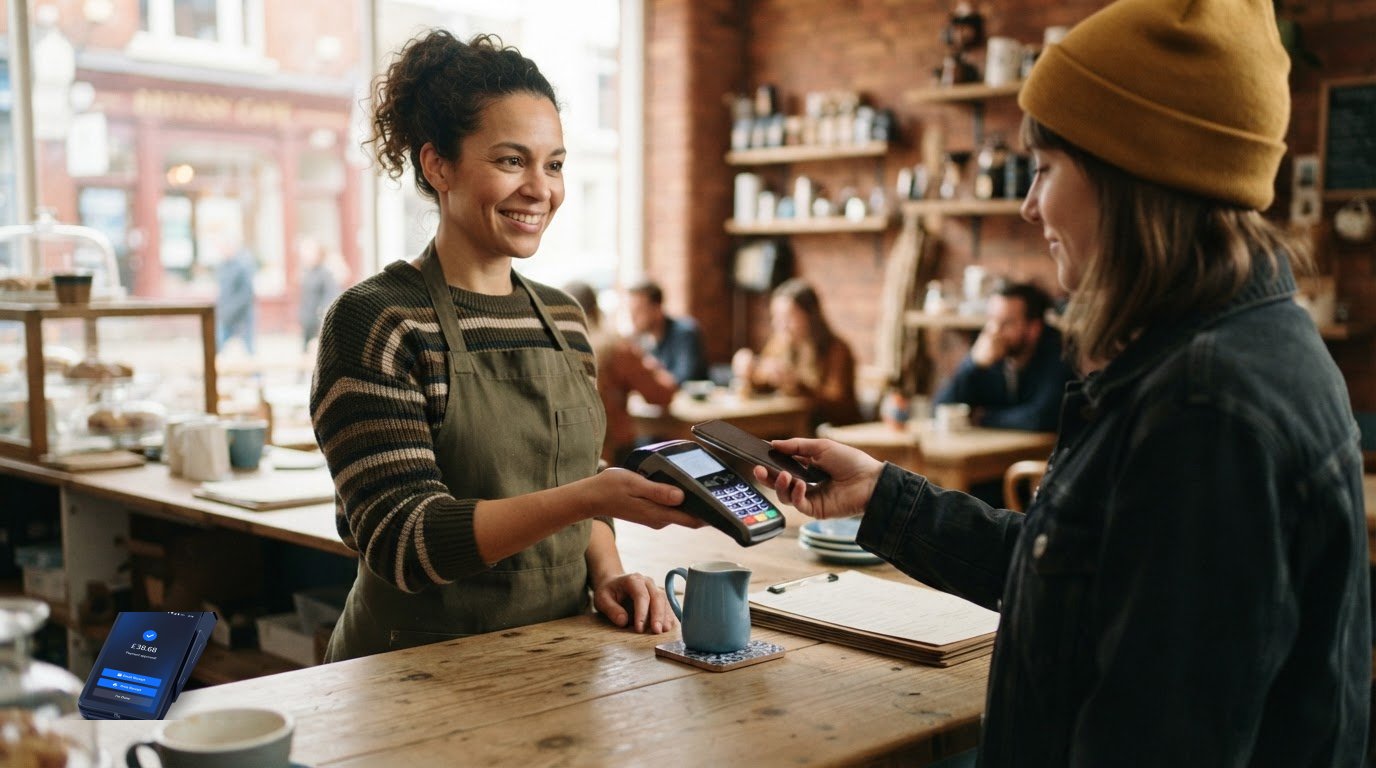
Consider a busy café. A fixed terminal can keep counter payments in one place, while a portable device can let customers pay at their table. In a shop, a till may suit a dedicated checkout, but staff might want to take payment beside a larger or considered purchase. Start with your busiest customer journey, rather than assuming every shop needs a fixed terminal and every hospitality business needs a portable one.
Connection type matters too. A countertop terminal may use a wired network, while portable options can connect through WiFi, Bluetooth or 4G, depending on the device. A wireless terminal can be useful away from the main till, but coverage and reliability depend on your premises and the equipment. Check the connection in the places where you plan to take payments. For an overview of payment terminal technology, see Payment terminal.
What Is a Countertop Card Machine?
A countertop machine is designed for a fixed point of sale, usually beside the till. It often connects to mains power and may use Ethernet, so it doesn’t rely on a wireless signal. This can suit a busy checkout where staff need a consistent routine. Before choosing one, check that the counter has suitable space, power and network access, and consider how cables will run.
What Is a Portable Card Machine?
A portable machine is a handheld device with an internal battery and wireless connectivity. Depending on the model, it may use Bluetooth, WiFi or 4G. Staff can take it to a table, across a shop or to a customer who can’t easily reach the counter. Check the device’s battery requirements and signal strength across your premises before relying on it for payments.
The categories aren’t as rigid as they might seem. The Shift4 OneCard Machine is a handheld option for businesses looking for flexibility without monthly hardware rental fees. Its stated terms include a fixed 0.85% transaction rate and next-day payouts. Compare these terms alongside the device’s suitability for your premises, rather than choosing on the terminal label alone.
In short, map your customer flow first. Then compare how each setup fits your space, connectivity and payment terms. A fixed till may be practical, while a portable or hybrid setup may suit a business where customers and staff move around.
Countertop Terminals: Power and Reliability for the Fixed Point of Sale
A fixed terminal can make sense when customers regularly pay at the same till. Staff know where to find it, customers can see where to tap or enter their PIN, and the checkout routine stays consistent. That can be useful when several purchases need to be processed quickly.
Power and connectivity are worth considering. A countertop unit connected to mains power doesn’t depend on a handheld battery staying charged through a busy shift. Many models can use wired Ethernet, which avoids relying on the WiFi signal at the till. A wired connection doesn’t prevent internet or network outages, but it may suit a checkout where a stable connection is a priority.
The Benefits of a Wired Connection
With the terminal in a set position, staff don’t need to carry it between customers or remember to return it to a charging point. Ethernet gives the device a direct connection to the local network, although authorisation times also depend on the wider payment and internet connection. Check that the till area has suitable power and network access before choosing a fixed setup.
Security matters alongside reliability. The Payment Card Industry Data Security Standard (PCI DSS) is relevant to businesses’ wider card-payment arrangements. Don’t assume that a countertop format alone makes a terminal more secure. Ask your provider how your payment setup supports your responsibilities.
Planning Your Till Area
A dedicated payment station gives customers a clear place to complete a purchase and can help staff keep the queue moving in one direction. Before installation, measure the counter and plan where the terminal, till, receipt printer and any customer-facing display will sit. Check cable routes too. A tidy layout leaves room for staff to serve customers without pulling equipment across the work surface.
If you use EPOS, check compatibility before choosing a terminal. A supported integration may connect payment and sales records, and could reduce manual steps in stock management. Capabilities vary by system and provider, so confirm what works with your current setup instead of assuming every countertop machine links to inventory software.
A fixed terminal isn’t right for every checkout. If customers need to pay elsewhere in the shop, a device tied to one spot may add an extra step. The best countertop vs portable card machine choice depends on how your team serves customers, the layout of your till and the connections available there.
If you’re comparing a fixed setup with a more flexible terminal, explore the Shift4 OneCard Machine as another option. Consider how a handheld device could fit your checkout routine, along with its stated benefits of no monthly rental fees and next-day payouts.
Portable Card Machines: Bringing the Payment to the Customer
A handheld terminal lets staff take payment to the customer, rather than asking everyone to come to the till. In a café, that could mean paying at the table. In a shop, a team member might complete a sale on the floor instead of sending a customer to join the checkout queue. This can be useful wherever moving the payment point makes service more convenient.
Portability helps only if the device works where you need it. WiFi may cover most of your premises, but the signal can weaken in a rear room or outdoor seating area. A terminal that supports both WiFi and 4G may offer another connection route, provided there’s mobile coverage. Check the signal in the actual places where staff will take payments, rather than testing only beside the router.
The Practicalities of Wireless Connectivity
Handheld terminals use an internal battery, so charging needs to be part of the daily routine. Battery life varies by model and usage. Ask about expected operating time, charging arrangements and how staff can keep the terminal ready during a busy shift.
Wireless connectivity can also support payments at outdoor tables or away from the main counter, provided the device has a suitable connection and is intended for that setting. If you’re considering temporary trading, check the provider’s terms first. A portable terminal isn’t the same as an event hire service.
Taking Payments Around Your Premises
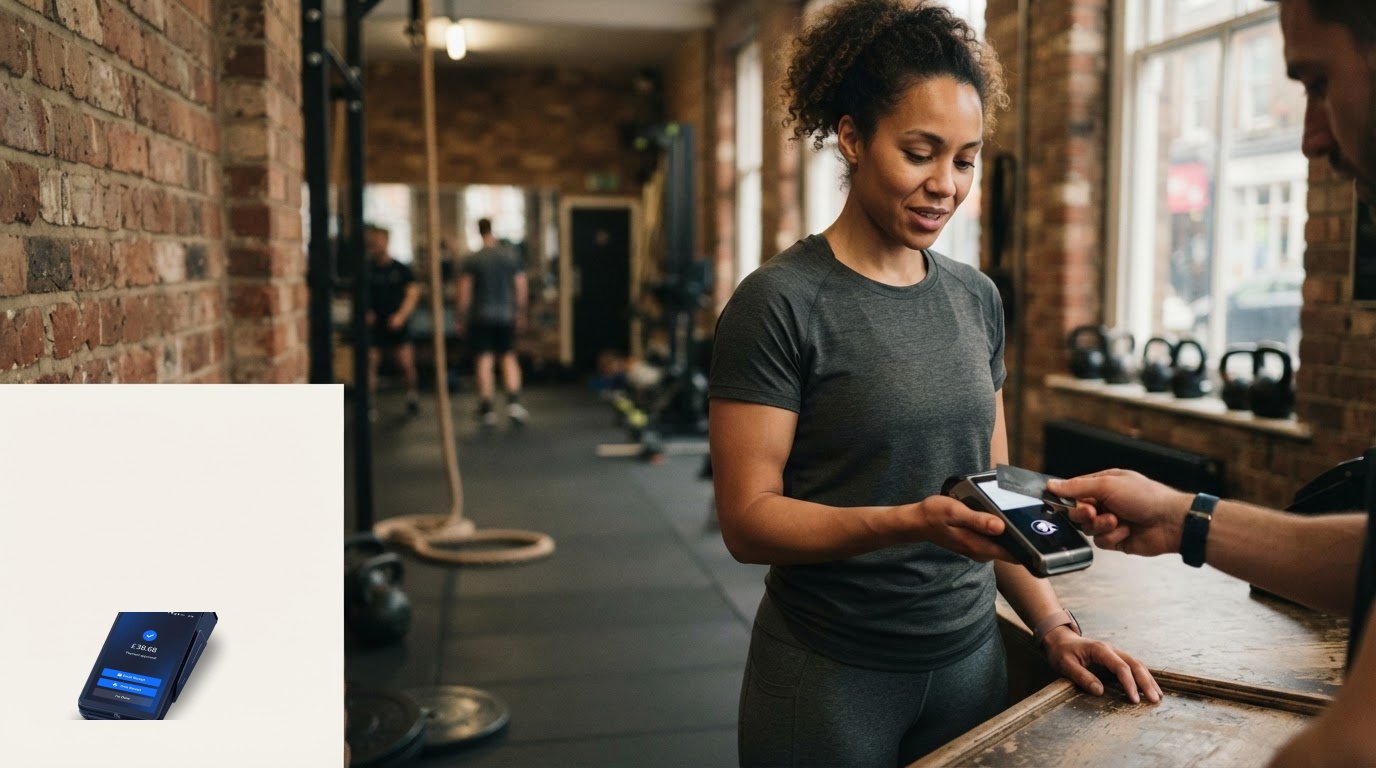
During a rush, staff can use a handheld machine to take payment where the customer is ready, avoiding unnecessary trips to a fixed till. In a pub or restaurant, bringing the terminal to the table may make settling the bill more straightforward. In retail, taking payment on the shop floor can help when customers need assistance before they’re ready to pay.
Mobility doesn’t remove the need to check costs and terms. Compare hardware rental, subscriptions, transaction charges and contract conditions, including what happens if you switch provider. A low upfront cost can look different once ongoing charges are included. For a broader comparison of features and business needs, see our guide to the best card machines for UK small businesses.
Portable terminals still need to be used with security in mind. Consider how the device handles card data, how staff should use it and what your provider expects your business to do to support PCI DSS compliance. The device’s form factor alone doesn’t tell you whether your payment setup meets those requirements. The countertop vs portable card machine decision should balance the freedom to take payments around your premises with practical checks on signal, charging, security and total cost.
Countertop vs Portable: A Cost and Performance Comparison
The terminal’s purchase or rental arrangement is only one part of the cost. To compare options fairly, review the whole payment agreement: hardware charges, transaction rates, payout timing, warranty cover and any costs associated with leaving the contract. A low headline rate may be less attractive if regular hardware charges or other terms add costs elsewhere.
Make a simple total-cost comparison before deciding. Estimate your card turnover, apply the provider’s transaction charges, then add any recurring hardware costs. Ask whether rates differ by card type or transaction, and read the agreement carefully. Shift4 states a fixed 0.85% transaction rate. Confirm which card types and conditions apply to your business before comparing it with another quote.
Checking Monthly Hardware Costs
With rental-based hardware, monthly charges continue whether your terminal is busy or quiet. A hardware offer with no monthly rental fees removes that recurring charge from your budget. The overall difference depends on your agreement, transaction volume and any other costs, so compare the full terms rather than assuming that “free hardware” means every part of payment acceptance is free.
Check the cost and conditions of switching, including whether exit fees apply to your current agreement. No monthly hardware rental can make a new option easier to assess, but it doesn’t tell you whether leaving your current provider will involve a charge. Review both agreements before making a decision. For more on assessing payment costs, read our guide to UK merchant services with no monthly fee.
Cash Flow and Payout Speed
Settlement timing affects when card takings become available in your account. Next-day payouts may help you plan stock purchases and routine outgoings sooner than a slower payout schedule. Check the provider’s stated timing, when the payout clock starts and whether weekends or bank holidays affect it.
Shift4 lists next-day payouts as standard. This is worth including in your comparison, especially if you regularly need takings to replenish stock. For a closer look at how payout timing can affect working cash, see our guide to next-day card machine payouts.
Finally, consider what happens if hardware develops a fault. The Shift4 OneCard Machine comes with a lifetime hardware warranty. Check the warranty terms to understand what’s covered and what steps to follow if the device needs attention.
The Shift4 OneCard Solution: A Flexible Alternative
A fixed till and a mobile payment point don’t always require two separate machines. The Shift4 OneCard Machine is a handheld option for businesses to consider for counter payments and situations where staff need to bring payment to the customer. This can make the countertop vs portable card machine decision less about picking a category and more about how you want your team to serve customers.
One Handheld Machine for Different Payment Points
In a shop, staff can use a handheld terminal at the counter and take it onto the shop floor when needed. In hospitality, it can support payments at customers’ tables. Check the device’s setup and connectivity requirements before relying on it throughout your premises. The Shift4 OneCard Machine also comes with a lifetime hardware warranty. Review the warranty terms to understand what’s covered. For more product detail, read the Shift4 OneCard guide for UK merchants.
Reviewing Costs and Payout Timing
Shift4 states that the OneCard has no monthly rental fees, a fixed 0.85% transaction rate and next-day payouts as standard. These terms can help you assess ongoing hardware costs and settlement timing. Before choosing, confirm which card types the rate covers and check for any other charges or conditions. Next-day payouts can help with planning, but check how the provider defines payout timing.
No monthly rental doesn’t automatically mean there’s no contract or no cost to switch from your current provider. Check your existing agreement for notice periods or exit fees, and read the new provider’s terms before moving your payments. This gives you a clearer view of the financial commitment than relying on the word “free” alone.
What to Check Before Applying
Review the product and merchant account information, then confirm the application requirements, eligibility and setup process. Ask how merchant account integration works with your current payment arrangements, and verify the payout schedule before planning around next-day funds. If support availability matters to your business, check what support is included and when you can access it. Getting these details clear upfront can help you decide whether the setup fits.
The practical test is straightforward: will one handheld terminal suit your counter routine and the times customers need to pay elsewhere? Compare that flexibility with the stated rental, transaction, warranty and payout terms. These details provide a better basis for deciding whether a hybrid setup suits your business than the terminal label alone.
Choose a Payment Setup That Fits the Way You Trade
The right terminal supports the way your customers pay and your team works. A fixed counter can suit a dedicated checkout, while a handheld device offers more flexibility. The countertop vs portable card machine choice needn’t be either-or: the Shift4 OneCard Machine is a handheld option to consider for different payment points.
Look beyond the device. Compare the full payment terms, including recurring hardware charges, transaction rates, warranty cover and when funds reach your account. Shift4 states that the OneCard has no monthly rental fees, a fixed 0.85% transaction rate and next-day payouts as standard. Check the terms that apply to your business before deciding.
If those terms and the handheld format suit your needs, review the application details and confirm the offer conditions before applying.
Frequently Asked Questions
Is a countertop card machine more reliable than a portable one?
Not automatically. Reliability depends on the device, connection and how you use it. A countertop terminal connected to mains power and Ethernet avoids battery concerns and may suit a fixed checkout. A portable machine offers more freedom but relies on its battery and available wireless connection. Consider where you take payments, how strong the network signal is there and what backup arrangements you have if a connection or device fails.
Do portable card machines work without a WiFi connection?
Some do, if they support mobile connectivity such as 4G and have signal where you’re taking payment. Others may depend on WiFi or a Bluetooth connection to another device. Check the terminal’s specifications and test coverage in areas such as outdoor seating or the rear of a shop. If neither WiFi nor mobile service is available, don’t assume the terminal can process payments. Confirm its capabilities with the provider.
What are the main costs associated with countertop vs portable machines?
Compare hardware charges, monthly rental or subscription fees, transaction charges, contract terms and possible costs if equipment needs replacing. The countertop vs portable card machine comparison isn’t just about the device: the payment agreement can affect your total cost. Shift4 states that the OneCard Machine has no monthly rental fees and a 0.85% transaction rate. Check which card types and other terms apply before comparing providers.
Can I use a portable card machine for my retail shop till?
Yes, a portable terminal can be used at a retail till if it suits your payment setup. It can also be carried onto the shop floor when staff need to take payment away from the counter. Check that the terminal works with your merchant account and any EPOS system you use. Consider where it will charge and whether its connection is reliable at the till and across the shop.
How quickly do I get my money with a Shift4 card machine?
Shift4 lists next-day payouts as standard. The time funds become available can depend on the provider’s terms and your bank. Before relying on a payout for a stock order or other outgoing, confirm how the schedule works, including any relevant cut-off times and non-working days.
What happens if my portable card machine battery dies or the hardware breaks?
If the battery runs flat, you may be unable to take payments on that terminal until it’s charged. Build charging into your daily routine and ask your provider what backup options are available. Shift4 includes a lifetime hardware warranty with the OneCard Machine. Check the warranty terms to understand what it covers and what steps to follow if the device develops a fault.
Are there any monthly fees for the Shift4 OneCard machine?
Shift4 states that the OneCard Machine has no monthly hardware rental fees. Its stated transaction rate is fixed at 0.85%, and next-day payouts are included as standard. Review the current agreement and confirm which card types, other charges and conditions apply to your business before signing up.
Which card machine is best for a restaurant with outdoor seating?
A portable terminal can be practical because staff can take payment at outdoor tables instead of asking customers to queue or return to the counter. Check that the machine has a reliable connection in the seating area and enough battery capacity for your trading pattern. The Shift4 OneCard Machine is a handheld option to consider. Confirm its connectivity and suitability for your premises before choosing it.
Frequently Asked Questions
A countertop machine is designed for a fixed point of sale, usually beside the till. It often connects to mains power and may use Ethernet, so it doesn’t rely on a wireless signal. This can suit a busy checkout where staff need a consistent routine. Before choosing one, check that the counter has suitable space, power and network access, and consider how cables will run.
A portable machine is a handheld device with an internal battery and wireless connectivity. Depending on the model, it may use Bluetooth, WiFi or 4G. Staff can take it to a table, across a shop or to a customer who can’t easily reach the counter. Check the device’s battery requirements and signal strength across your premises before relying on it for payments. The categories aren’t as rigid as they might seem. The Shift4 OneCard Machine is a handheld option for businesses looking for flexibility without monthly hardware rental fees. Its stated terms include a fixed 0.85% transaction rate and next-day payouts. Compare these terms alongside the device’s suitability for your premises, rather than choosing on the terminal label alone. In short, map your customer flow first. Then compare how each setup fits your space, connectivity and payment terms. A fixed till may be practical, while a portable or hybrid setup may suit a business where customers and staff move around. A fixed terminal can make sense when customers regularly pay at the same till. Staff know where to find it, customers can see where to tap or enter their PIN, and the checkout routine stays consistent. That can be useful when several purchases need to be processed quickly. Power and connectivity are worth considering. A countertop unit connected to mains power doesn’t depend on a handheld battery staying charged through a busy shift. Many models can use wired Ethernet, which avoids relying on the WiFi signal at the till. A wired connection doesn’t prevent internet or network outages, but it may suit a checkout where a stable connection is a priority.
Not automatically. Reliability depends on the device, connection and how you use it. A countertop terminal connected to mains power and Ethernet avoids battery concerns and may suit a fixed checkout. A portable machine offers more freedom but relies on its battery and available wireless connection. Consider where you take payments, how strong the network signal is there and what backup arrangements you have if a connection or device fails.
Some do, if they support mobile connectivity such as 4G and have signal where you’re taking payment. Others may depend on WiFi or a Bluetooth connection to another device. Check the terminal’s specifications and test coverage in areas such as outdoor seating or the rear of a shop. If neither WiFi nor mobile service is available, don’t assume the terminal can process payments. Confirm its capabilities with the provider.
Compare hardware charges, monthly rental or subscription fees, transaction charges, contract terms and possible costs if equipment needs replacing. The countertop vs portable card machine comparison isn’t just about the device: the payment agreement can affect your total cost. Shift4 states that the OneCard Machine has no monthly rental fees and a 0.85% transaction rate. Check which card types and other terms apply before comparing providers.
Yes, a portable terminal can be used at a retail till if it suits your payment setup. It can also be carried onto the shop floor when staff need to take payment away from the counter. Check that the terminal works with your merchant account and any EPOS system you use. Consider where it will charge and whether its connection is reliable at the till and across the shop.
Shift4 lists next-day payouts as standard. The time funds become available can depend on the provider’s terms and your bank. Before relying on a payout for a stock order or other outgoing, confirm how the schedule works, including any relevant cut-off times and non-working days.
If the battery runs flat, you may be unable to take payments on that terminal until it’s charged. Build charging into your daily routine and ask your provider what backup options are available. Shift4 includes a lifetime hardware warranty with the OneCard Machine. Check the warranty terms to understand what it covers and what steps to follow if the device develops a fault.
Shift4 states that the OneCard Machine has no monthly hardware rental fees. Its stated transaction rate is fixed at 0.85%, and next-day payouts are included as standard. Review the current agreement and confirm which card types, other charges and conditions apply to your business before signing up.
A portable terminal can be practical because staff can take payment at outdoor tables instead of asking customers to queue or return to the counter. Check that the machine has a reliable connection in the seating area and enough battery capacity for your trading pattern. The Shift4 OneCard Machine is a handheld option to consider. Confirm its connectivity and suitability for your premises before choosing it.
Related articles
Ready for your free machine?
No rental. No catch. Apply in 2 minutes.